Turn a Discord export into a readable PDF
Discord's own data request hands you JSON where every person and every channel is a long number. Upload it and get a transcript with names, dates and messages in order.
Your preview
This is your real file, parsed. Pay only if the result is right.
How it works.
DiscordChatExporter is the tool everyone ends up being told to use, and it is a command line program with twelve thousand stars on GitHub. That number is the point: those are the people who managed. This is for everyone else.
Get the JSON
If you have DiscordChatExporter, export as JSON. If not, ask Discord for your data in Settings, Privacy and Safety, Request all of my Data. It arrives by email as a zip.
Upload it
Drop the JSON file or the whole zip here. Nothing is unpacked on your side.
Read it, then pay if you want it
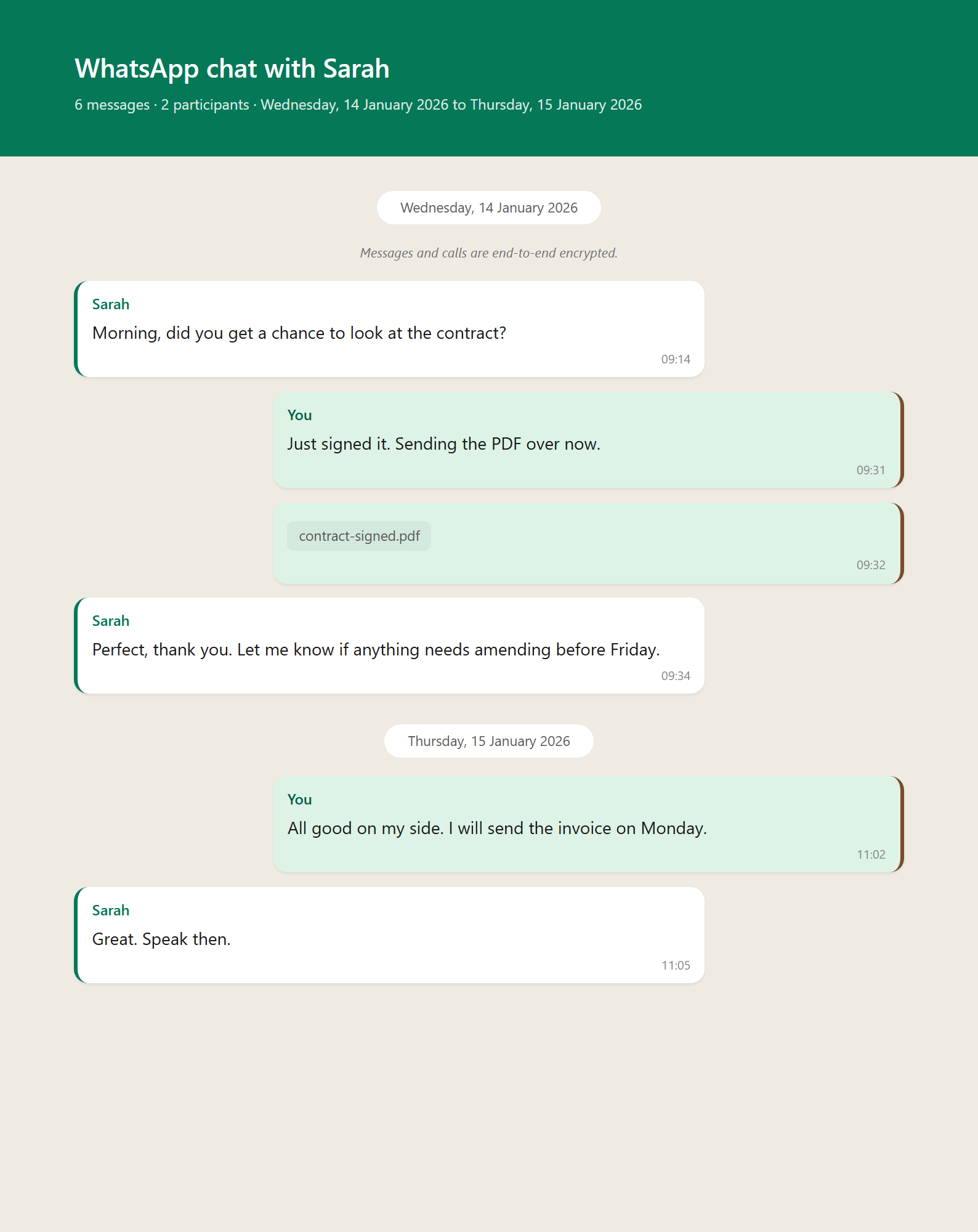
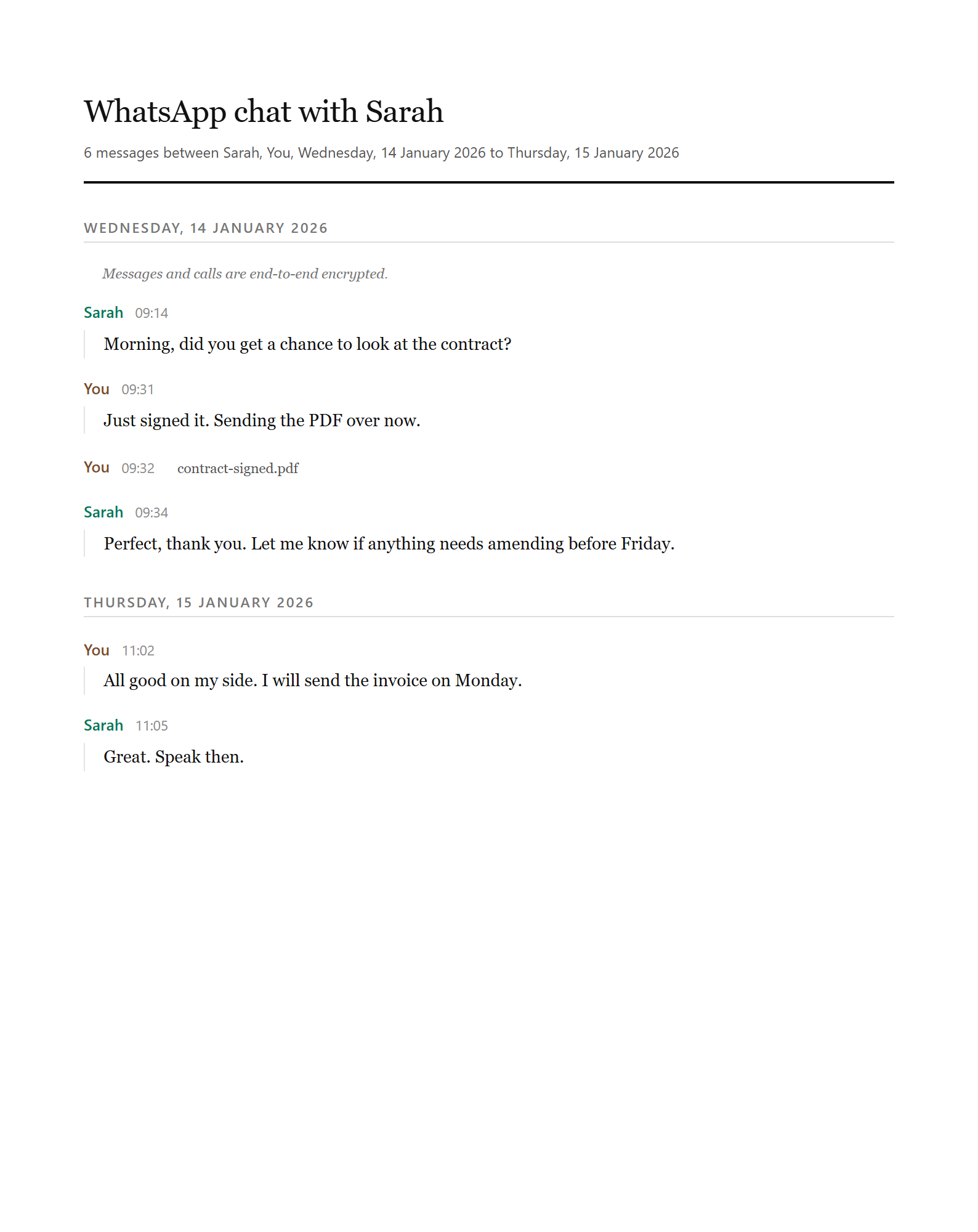
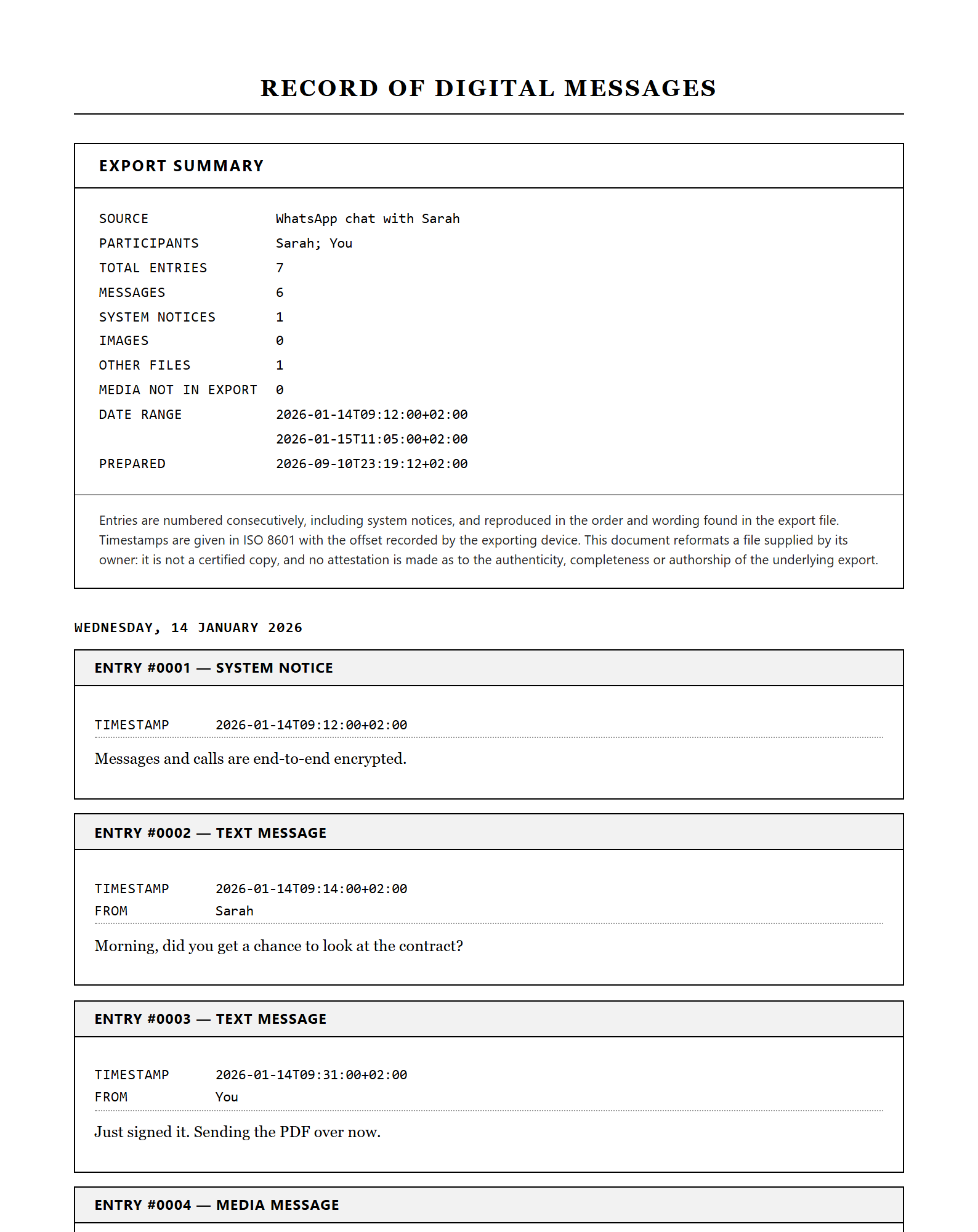
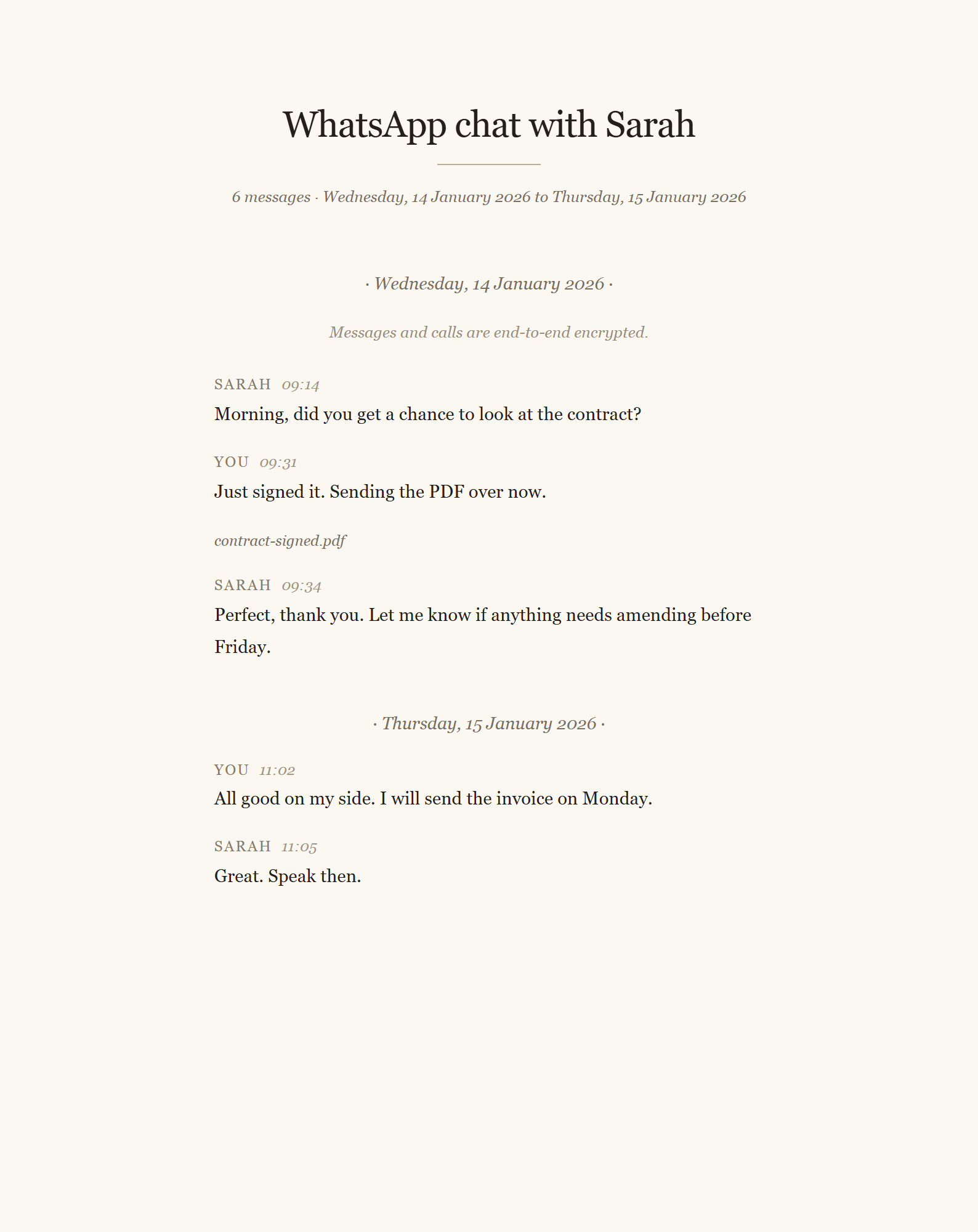
You see the messages parsed first. The PDF has the channel name, the date range, and the conversation with each person in their own colour.
Four ways to print it.
Every sample below is a real page from the same renderer that makes your file, not a drawing of one. Pick the style above before you upload, or change it and preview again.
Trust, with receipts.
No invented review scores, no badges, no “trusted by thousands”. Here is what is actually true, and you can check every line of it.
- You see the result before you payUpload, look at your own parsed file, then decide. No account, no card, no email required to get that far.
- Files are deleted within 7 daysYour upload, anything extracted from it, and the finished download. Automatically, on a schedule.
- A real person runs thisJade Riley, in Johannesburg, South Africa. Questions go to hello@onetimetool.com and I answer them myself.
- Your card never touches this siteCheckout is hosted by Dodo Payments. I never see your card number.
- One payment, for this one jobThere is no subscription, no plan and nothing to cancel. The price above is the whole price.
- 7-day money backIf the output is not what you needed, email me and I refund it. No form to fill in.
Questions, answered.
Discord's export has no names in it, only numbers. Can you fix that?
What about bot messages and link previews?
Are reactions included?
Can you do a whole server?
What happens to my file?
Do I need an account?
Other tools like this one.
More from Chats and messages.