Turn a Slack export into a readable transcript
A Slack export is one file per channel per day, every person is a code like U024BE7LH, and replies are scattered. This puts the names back, rebuilds threads where the export marks them, and gives you one PDF.
Your preview
This is your real file, parsed. Pay only if the result is right.
How it works.
Three things have to happen or the export is unreadable, and they are the reason you cannot just open the files yourself. Every author is a bare U-code that has to be looked up in users.json. Every mention inside a message is written as <@U024BE7LH> and has to be resolved too. And in Slack's message format a reply only carries a pointer to its parent, so the thread has to be rebuilt.
Get the export
Only workspace owners and admins can export, from Admin, Workspace settings, Security, Import & export data. On Free and Pro plans the export covers public channels only. You get a zip with users.json at the top and one folder per channel.
Upload the zip
Drop it here whole. The channel with the most days of messages is used, and you are told what else was in the export.
Check the names and threads, then download
The preview tells you how many threads were rebuilt. The PDF reads in order with replies sitting under the message they answer.
Four ways to print it.
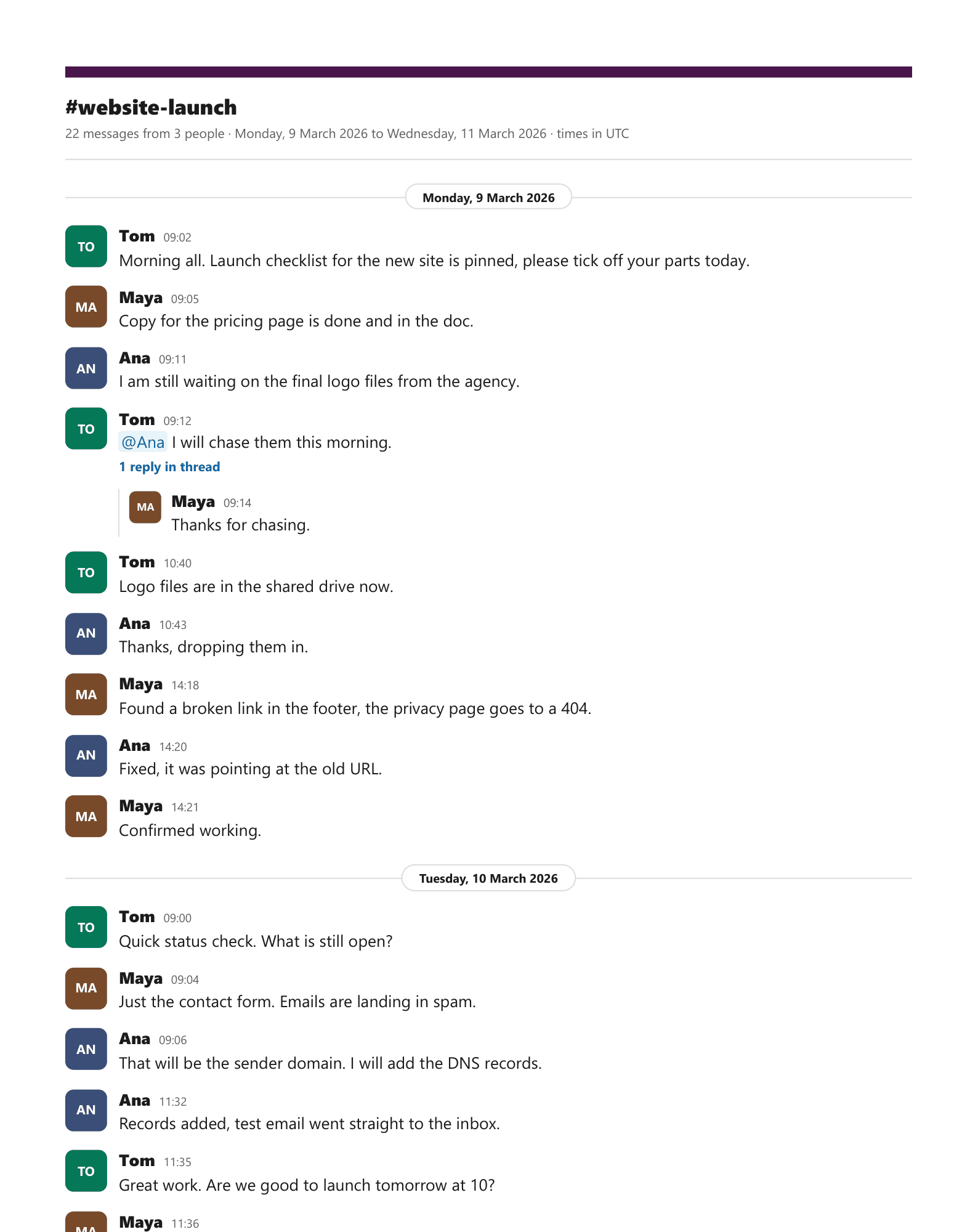
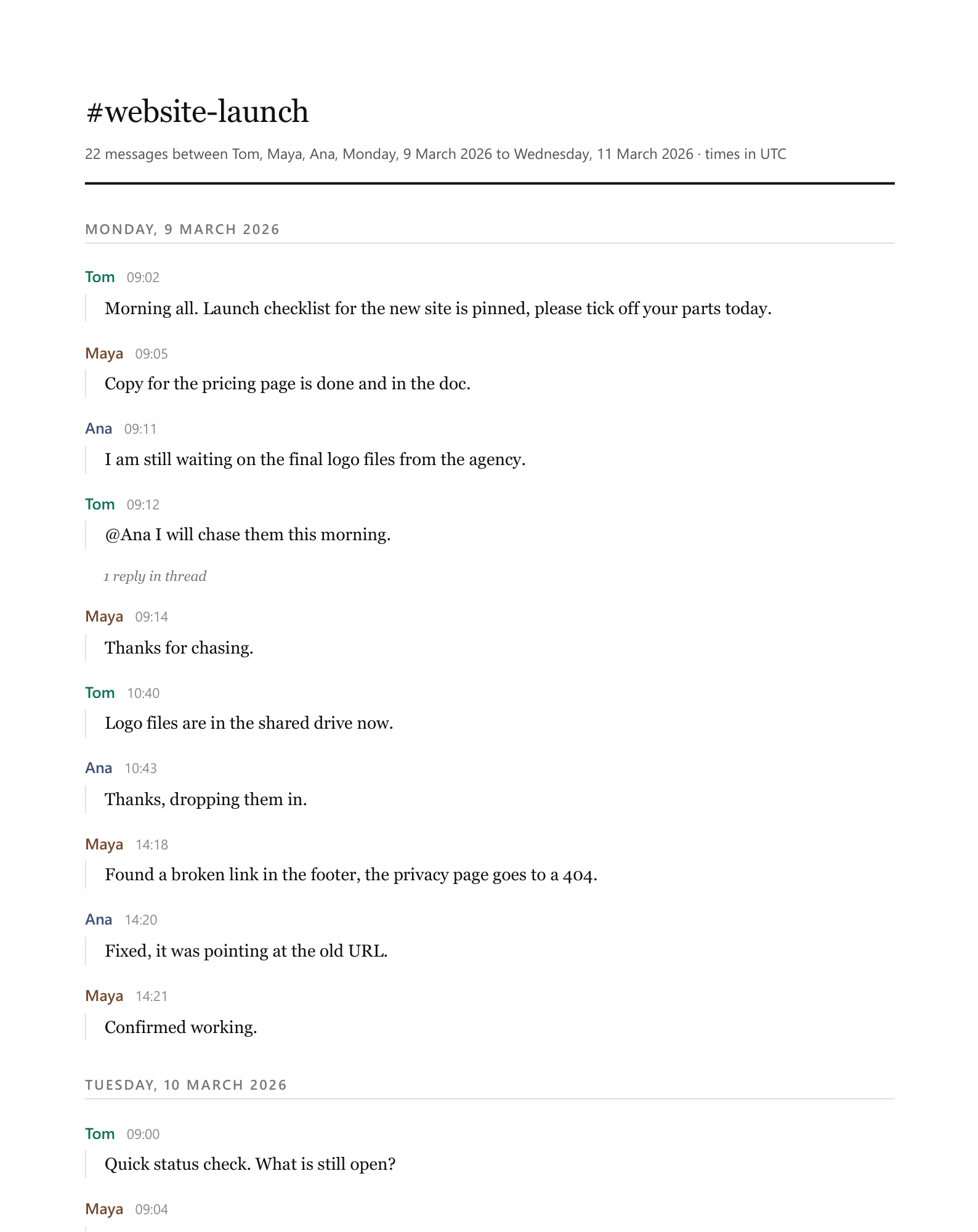
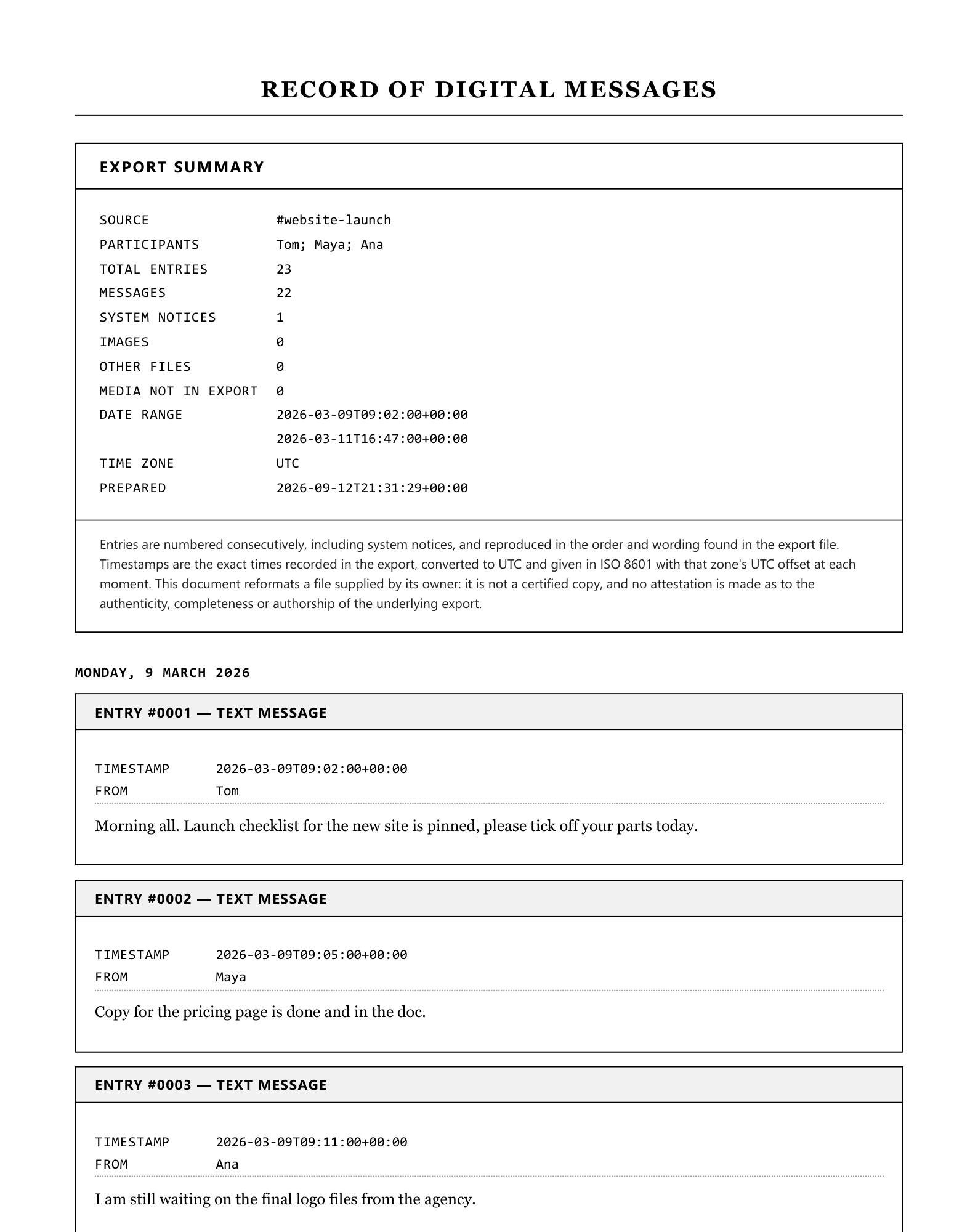
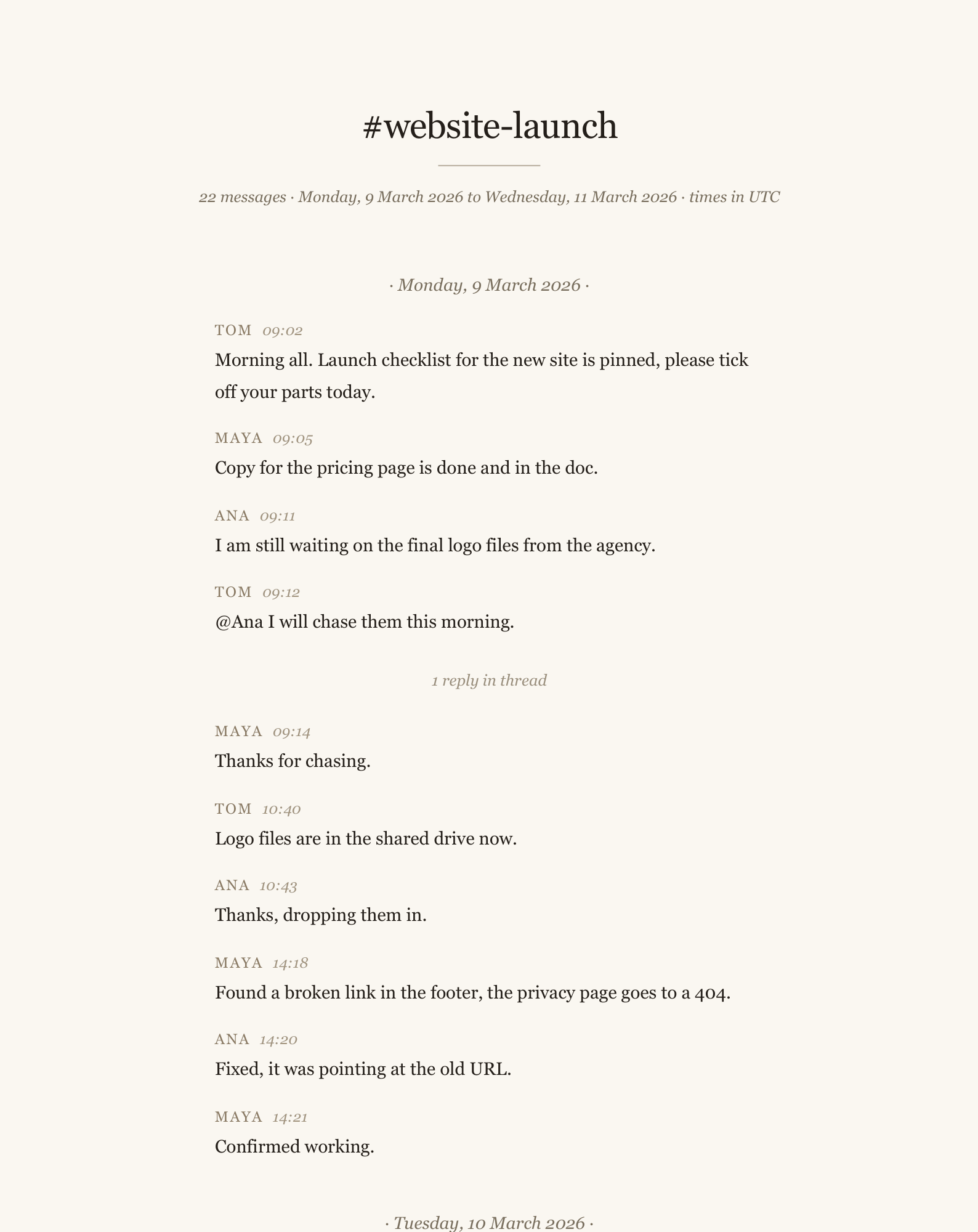
Every sample below is page one of a real PDF, made from the same sample as the one above by the same code that makes your file. Pick a style when you preview, and change it as often as you like.
Guides on this
Trust, with receipts.
No invented review scores, no badges, no “trusted by thousands”. Here is what is actually true, and you can check every line of it.
- You see the result before you payUpload, look at your own parsed file, then decide. No account, no card, no email required to get that far.
- Files are deleted within 7 daysYour upload, anything extracted from it, and the finished download. Automatically, on a schedule.
- A person answers the emailOne Time Tool is a small independent studio in Johannesburg, South Africa. Questions go to hello@onetimetool.com and a person replies, not a bot.
- Your card never touches this siteCheckout is hosted by Dodo Payments. We never see your card number.
- One payment, for this one jobThere is no subscription, no plan and nothing to cancel. Depending on where you are, checkout may show the price in your currency and add local VAT or sales tax.
- 7-day money backIf the output is not what you needed, email us and we refund it. No form to fill in.
Questions, answered.
Why is everyone in my export called U024BE7LH?
What happens to threaded replies?
I am being offboarded on Friday and lose access.
Do you handle DMs as well as channels?
What happens to my file?
Do I need an account?
Other tools like this one.
More from Chats and messages.