Turn your Android text messages into a PDF
SMS Backup and Restore saves your texts as an XML file. Upload it and get your texts back as one dated transcript you can print or hand to someone.
Your preview
This is your real file, parsed. Pay only if the result is right.
How it works.
A lot of tools in this space are built for iPhone. This one reads the Android backup file from SMS Backup and Restore. That app can print one conversation at a time itself, and its developer says the online viewer can struggle with very large backups full of MMS media. This turns the whole backup into one dated document.
Back up with SMS Backup and Restore
It is an Android app, free with ads. Run a backup of your messages and it saves an XML file on your phone or to a cloud account like Google Drive. If you use the paid version with encryption turned on, make an unencrypted backup for this.
Upload the XML
Drop the file here. If it is very large, that is normal when MMS media is stored inside it.
Check it, then download
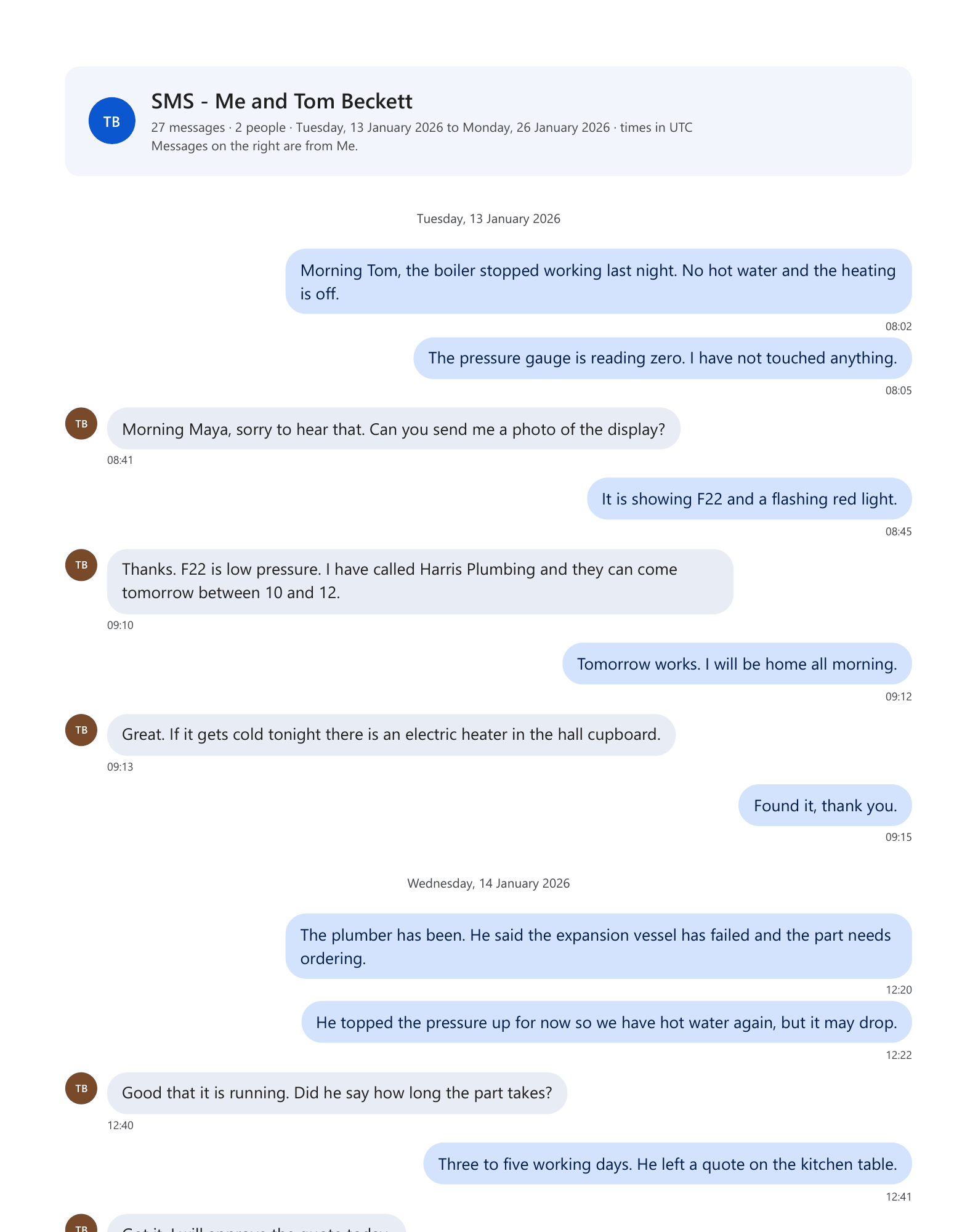
You see your messages parsed first, for free. The PDF shows sent and received on opposite sides, with dates. MMS pictures can be included too, which is an optional extra priced before you pay.
Four ways to print it.
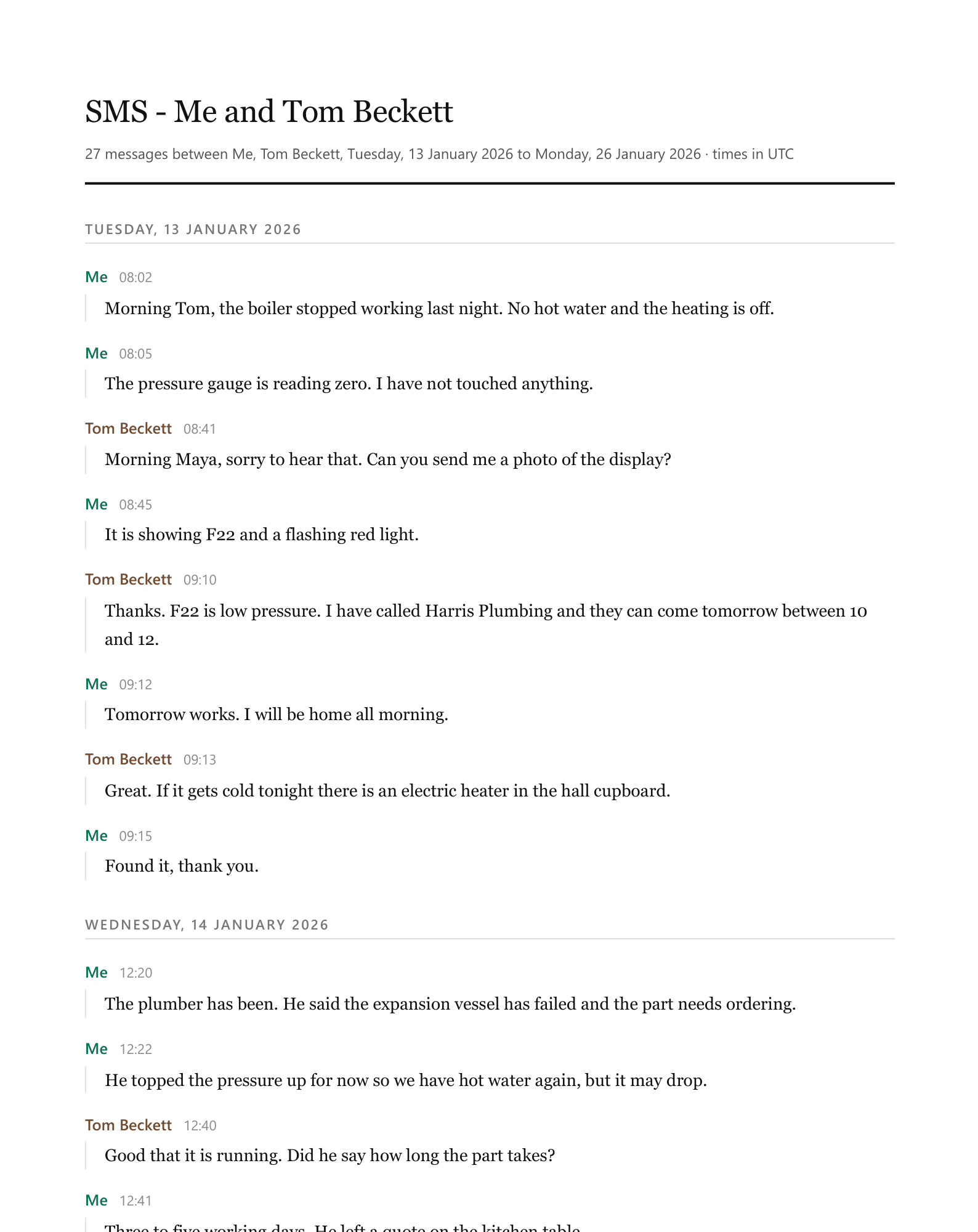
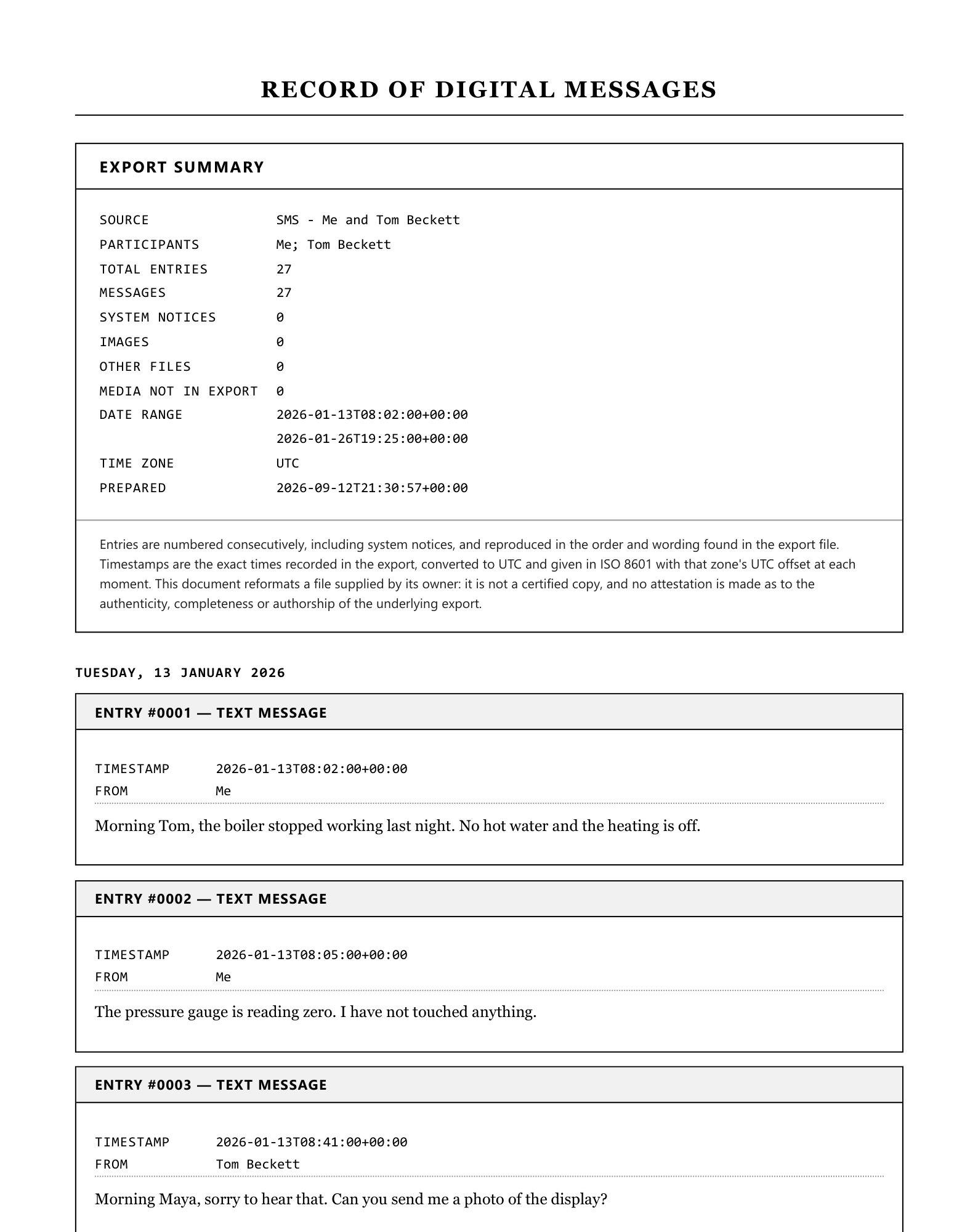
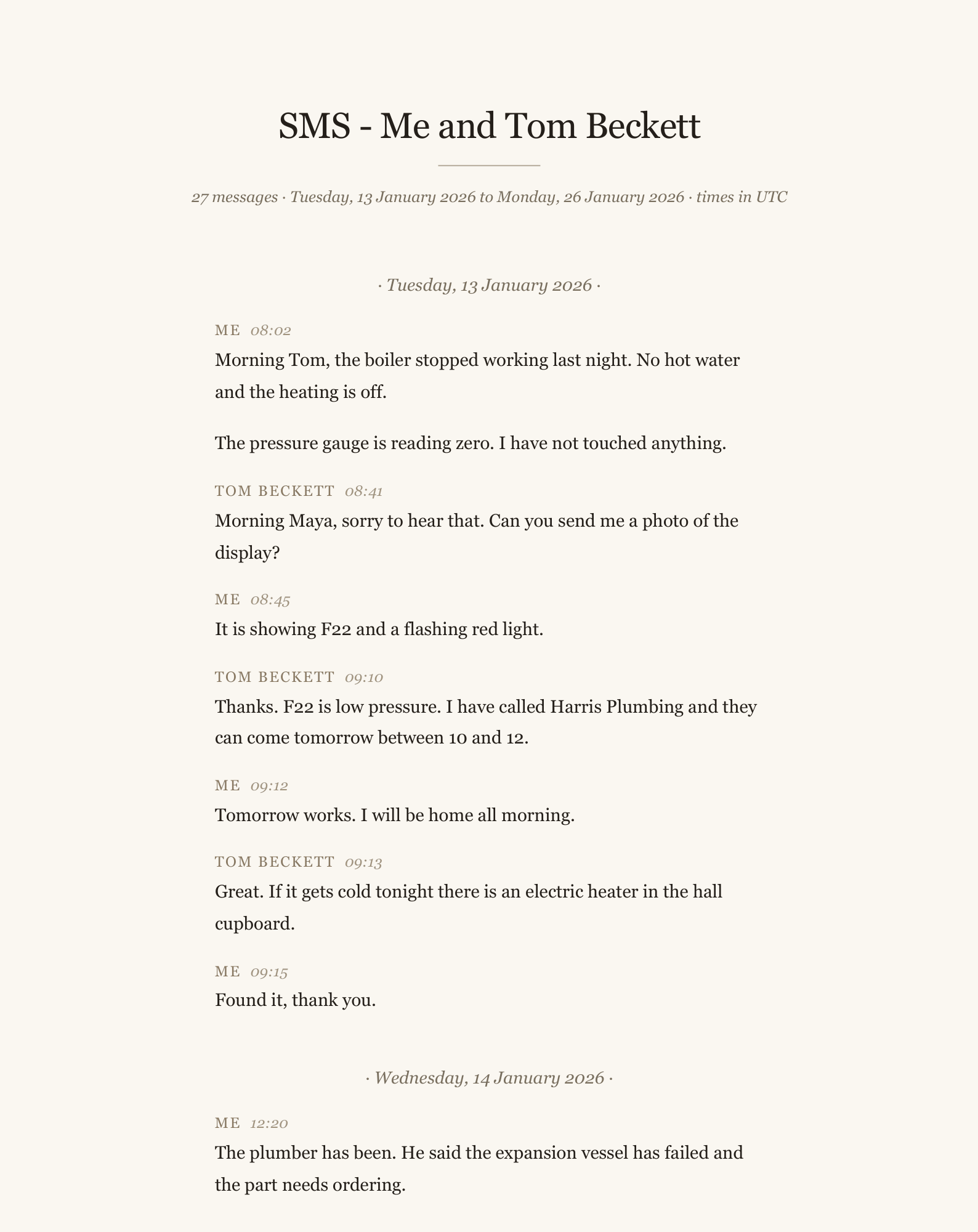
Every sample below is page one of a real PDF, made from the same sample as the one above by the same code that makes your file. Pick a style when you preview, and change it as often as you like.
People also use this for
Guides on this
Trust, with receipts.
No invented review scores, no badges, no “trusted by thousands”. Here is what is actually true, and you can check every line of it.
- You see the result before you payUpload, look at your own parsed file, then decide. No account, no card, no email required to get that far.
- Files are deleted within 7 daysYour upload, anything extracted from it, and the finished download. Automatically, on a schedule.
- A person answers the emailOne Time Tool is a small independent studio in Johannesburg, South Africa. Questions go to hello@onetimetool.com and a person replies, not a bot.
- Your card never touches this siteCheckout is hosted by Dodo Payments. We never see your card number.
- One payment, for this one jobThere is no subscription, no plan and nothing to cancel. Depending on where you are, checkout may show the price in your currency and add local VAT or sales tax.
- 7-day money backIf the output is not what you needed, email us and we refund it. No form to fill in.
Questions, answered.
Will it know which messages I sent?
Do MMS pictures come through?
My emoji show up as numbers in other converters.
The file is over the size limit.
I only want one conversation.
What happens to my file?
Do I need an account?
Other tools like this one.
More from Chats and messages.