WhatsApp chat to PDF for free: the honest options
There are free ways to do this, and for a short chat they are fine. Here is what each one gets you, so you only pay if you actually need to.
Your preview
This is your real file, parsed. Pay only if the result is right.
How it works.
WhatsApp does not give you a document. On iPhone the export is a ZIP file, and on Android it is a text file with any media sent alongside it. Getting that out of the app is the part most people get stuck on, so that is step one.
Export from WhatsApp
On iPhone, open the chat, tap the contact or group name, then Export Chat. On Android, open the chat and tap More options, More, Export chat. Choose Attach Media on iPhone or Include media on Android if you want the photos, or Without Media for a much smaller file. Send it to yourself.
Drop the file in
Upload the ZIP as WhatsApp made it. Do not unzip it first. If Android gave you a .txt with the photos as separate files, put them in one zip together, because this takes one file. You will see the participants, the message count and the real formatting straight away, for free.
Check it, then pay
If the names, dates and layout look right, pay once and download the full PDF. If something looks wrong, close the tab and nothing is charged.
Four ways to print it.
Every sample below is page one of a real PDF, made from the same sample as the one above by the same code that makes your file. Pick a style when you preview, and change it as often as you like.
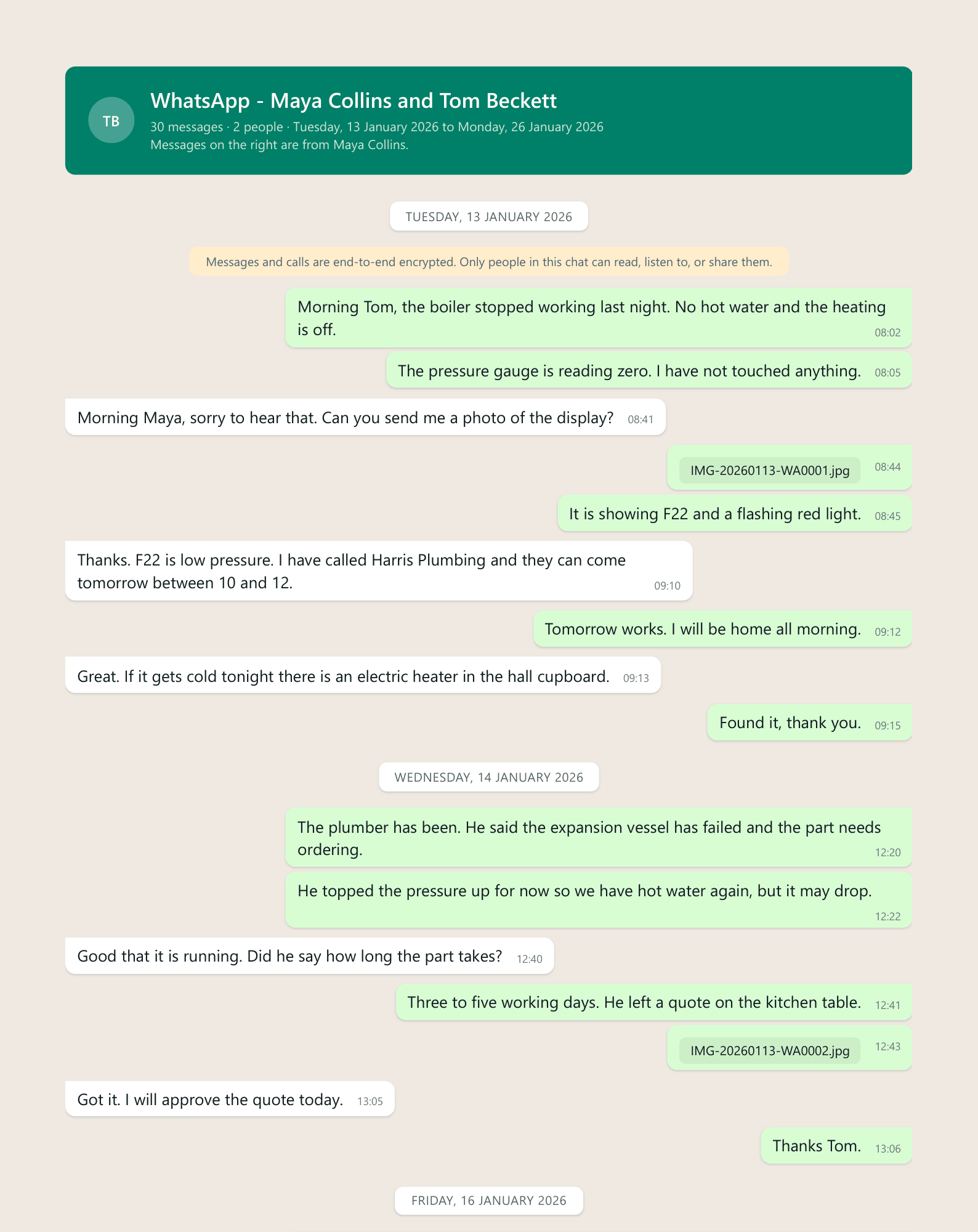
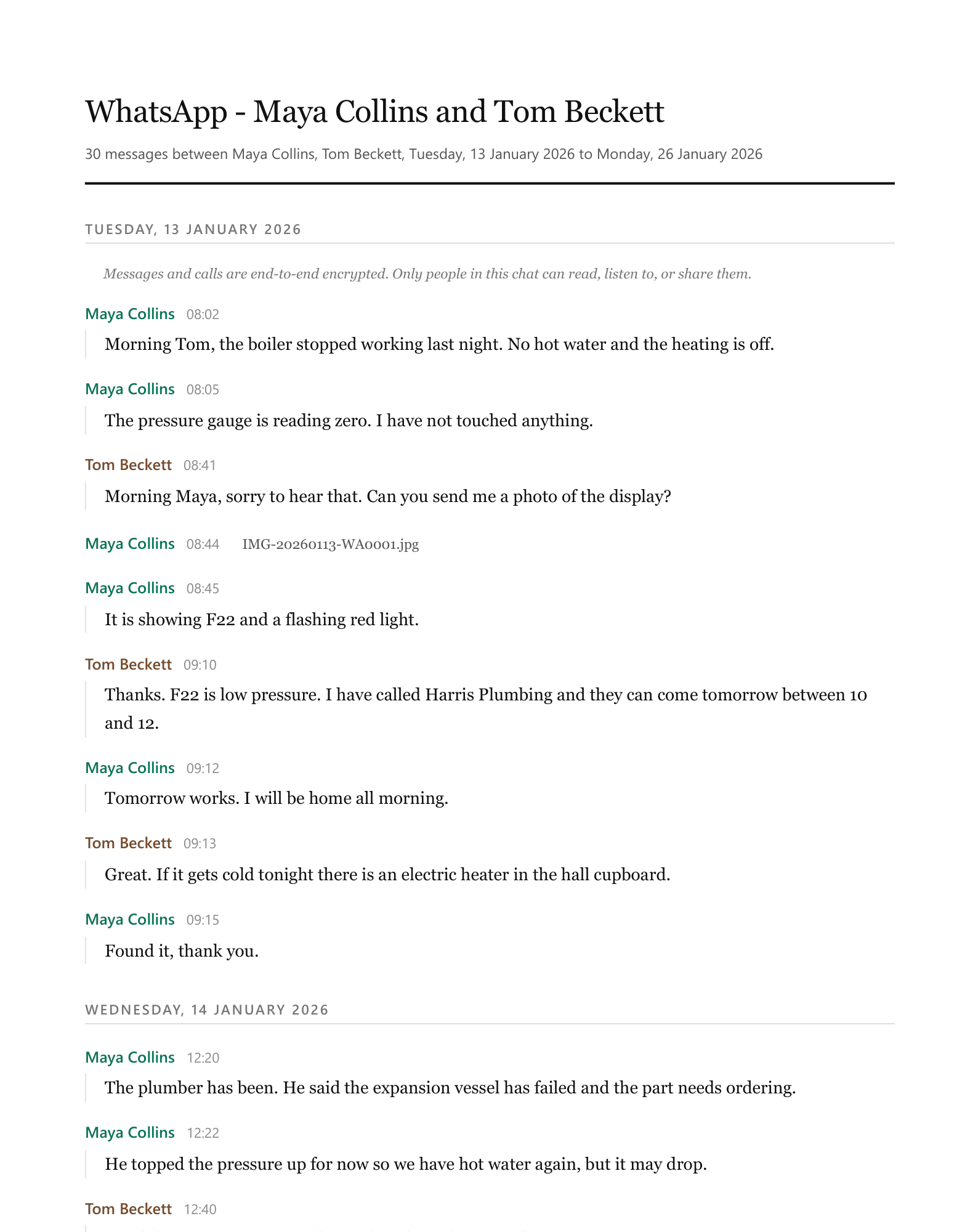
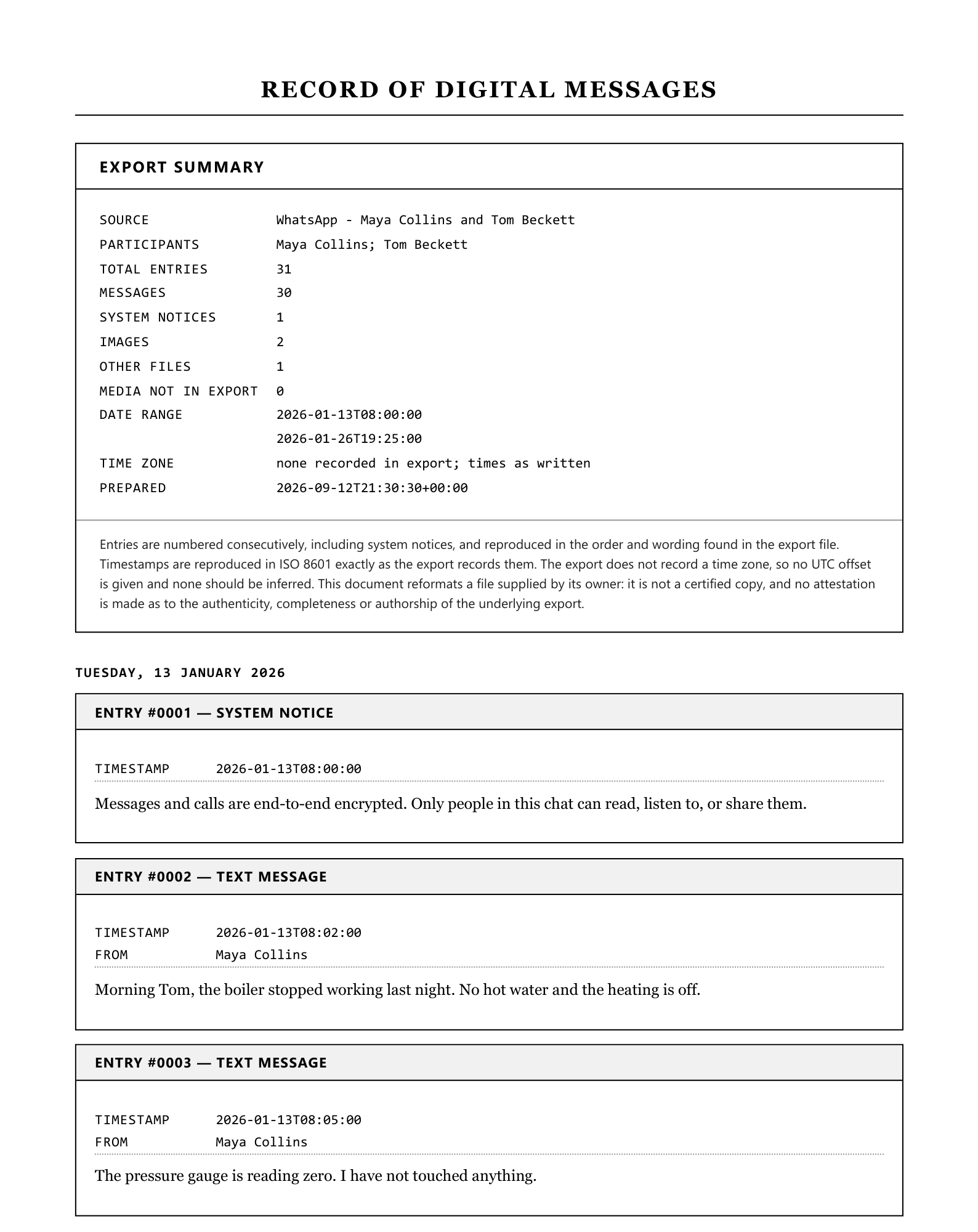
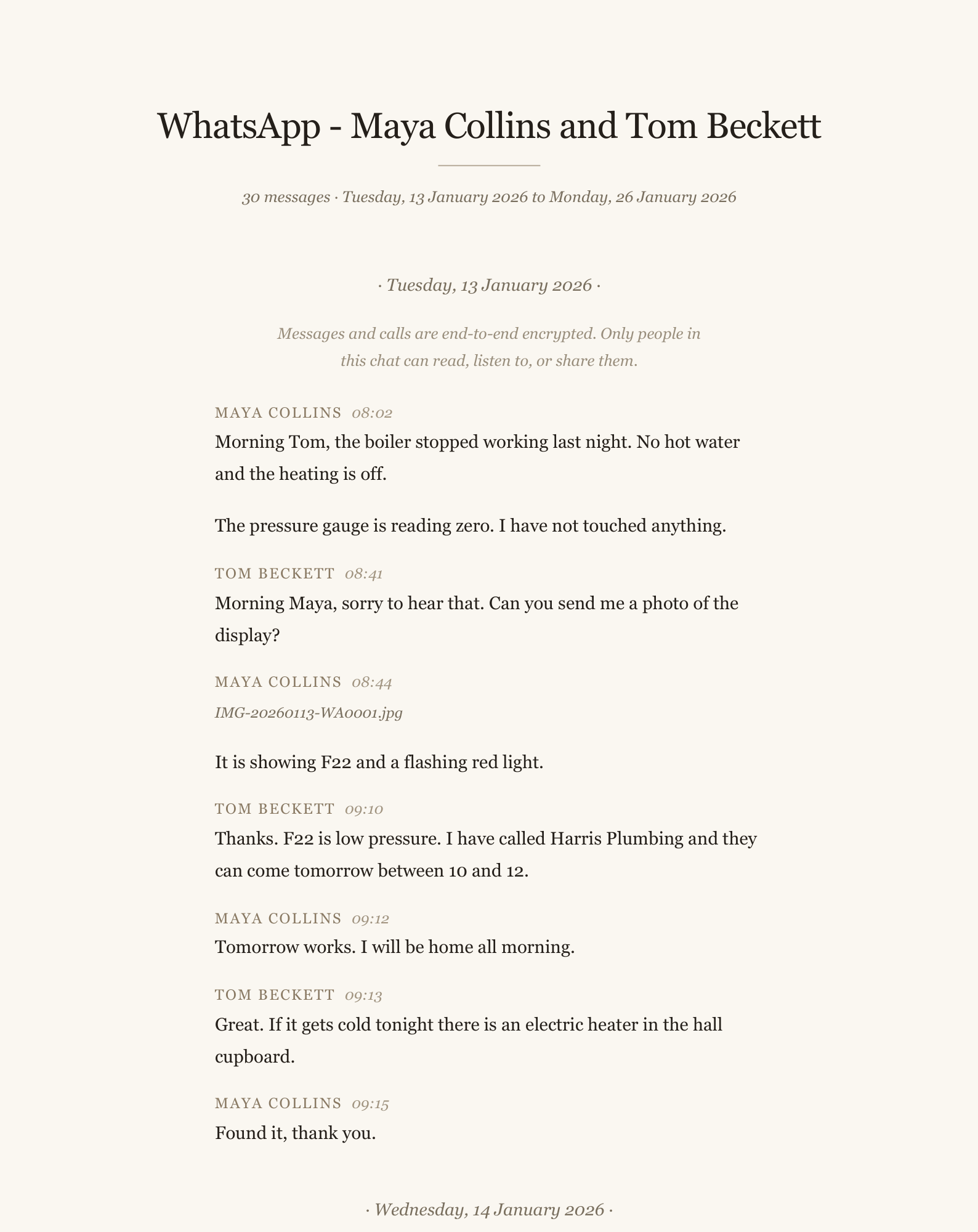
Free method 1: open the text file and print to PDF
Export the chat Without Media, open the .txt on a computer in Notepad or TextEdit, and print it to PDF. It costs nothing and every message is there. What you lose: it is one dense block of lines, long messages wrap under the date, there are no breaks between days, and no photos.
Free method 2: screenshots
Fine for five messages. For anything longer, screenshots cut messages in half, repeat or skip messages between images, and turn into dozens of files. They are also the version a court or HR department trusts least, because nothing shows what is between them.
Free method 3: the preview here
Upload your export and the preview shows your own chat laid out properly, with names, dates and a page estimate, without paying or making an account. For some people that is enough: to read an old chat comfortably, or check something. You pay, from $7, only if you want the finished PDF file.
People also use this for
Trust, with receipts.
No invented review scores, no badges, no “trusted by thousands”. Here is what is actually true, and you can check every line of it.
- You see the result before you payUpload, look at your own parsed file, then decide. No account, no card, no email required to get that far.
- Files are deleted within 7 daysYour upload, anything extracted from it, and the finished download. Automatically, on a schedule.
- A person answers the emailOne Time Tool is a small independent studio in Johannesburg, South Africa. Questions go to hello@onetimetool.com and a person replies, not a bot.
- Your card never touches this siteCheckout is hosted by Dodo Payments. We never see your card number.
- One payment, for this one jobThere is no subscription, no plan and nothing to cancel. Depending on where you are, checkout may show the price in your currency and add local VAT or sales tax.
- 7-day money backIf the output is not what you needed, email us and we refund it. No form to fill in.
Questions, answered.
Why is the PDF not free?
Are free online converters safe?
Is there a free app?
Can I get a refund?
Other tools like this one.
More from Chats and messages.